A darkroom in your pocket
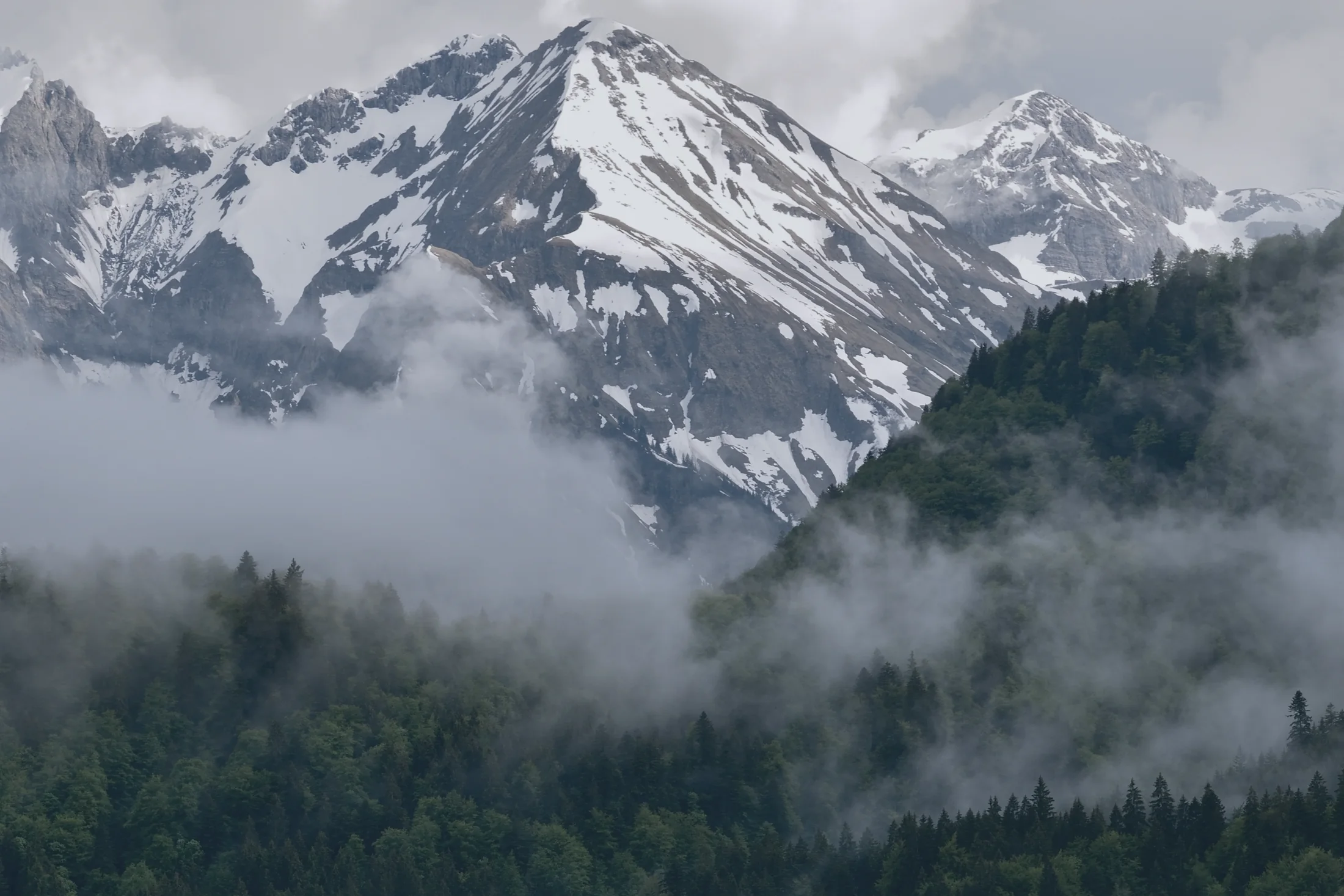
A RAW photo editor for iPhone, iPad and Android. No account, no cloud. Your originals never change and never leave your device.
Drag any row, or the divider. Double tap to reset. This is a small part of the engine, running in this page.
You saw it. Now develop it.
Every slider you know
Every slider is a full-width row. Drag anywhere on it, move away from it for fine control, double tap to reset. It moves at your display's rate.
Light
- Exposure
- Contrast
- Highlights
- Shadows
- Whites
- Blacks
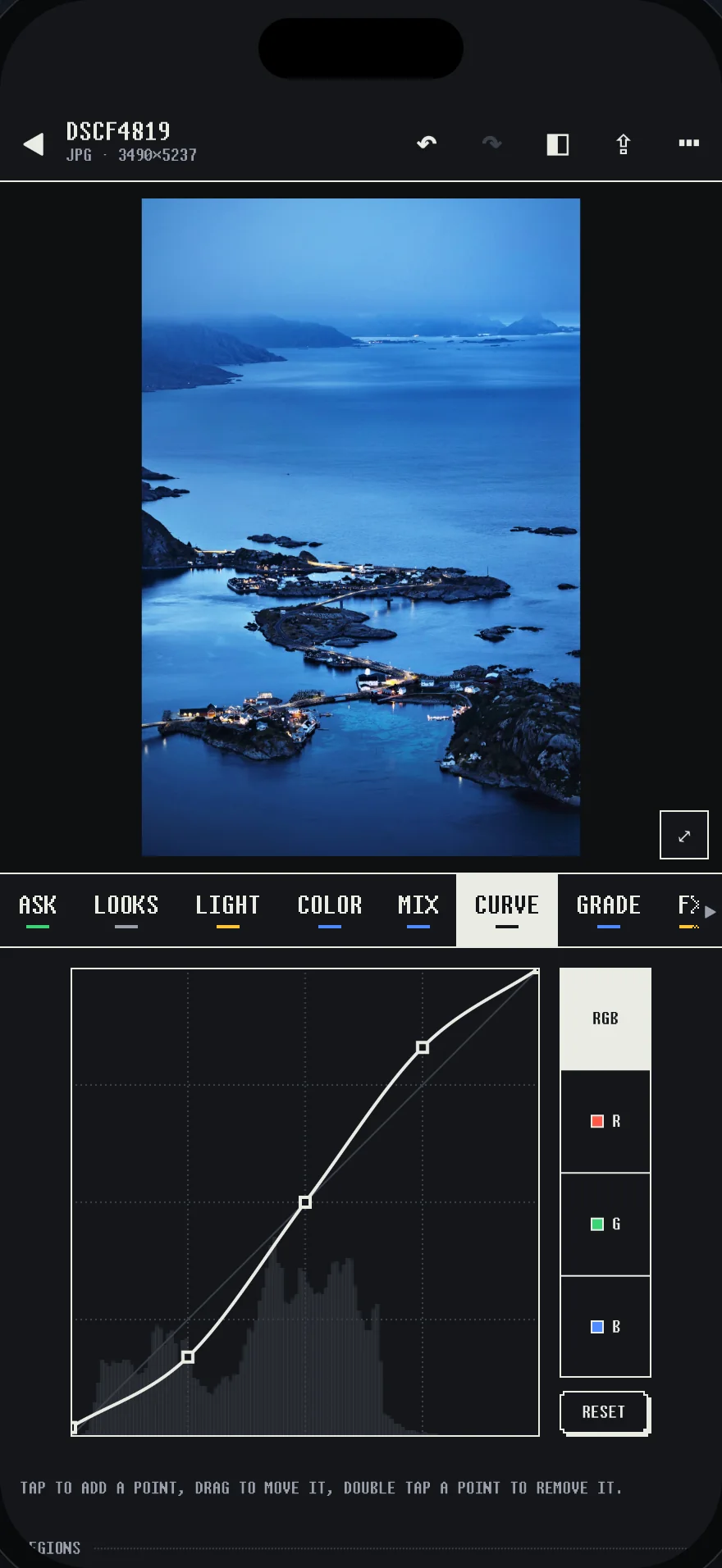
Curve
- Point curves
- Parametric
- Red, green, blue
FX
- Grain
- Halation
- Bloom
- Vignette
Detail
- Texture
- Clarity
- Dehaze
- Sharpening
- Noise reduction
- AI denoise
Optics
- Lens profiles
- Chromatic aberration
- Defringe
- Lens blur
Fix
- Heal and clone
- Crop, straighten
- Keystone, Upright
- HDR merge
- Panorama
Masks in one tap
Subject, people or any object you tap, found on your device. This mask is the real thing: it came out of the same Apple model the app uses.
- Sky, skin, hair, teeth and glasses
- Linear, radial and brush
- Luminance, color and depth ranges
- 14 local sliders in every mask
- Smooth skin, brighten eyes, whiten teeth
33 looks, any amount
Any look from 0 to 150%. Save your own from any group of sliders, import .xmp presets and .cube LUTs, or match another photo's color and tone.
ESSENTIALS
- POP
- SOFT
- CRISP
- BRIGHT AIRY
- DEEP CONTRAST
- NATURAL WARM
FILM
- PORTRAIT NEG
- FINE NEG
- SLIDE FILM
- EXPIRED
- 1970S
- TUNGSTEN 800
- CROSS PROCESS
- CLASSIC CHROME
CINEMA
- TEAL ORANGE
- BLEACH BYPASS
- NIGHT CITY
- GOLDEN HOUR
- MATTE NOIR
B&W
- CLASSIC B&W
- RED FILTER
- SOFT MATTE
- PUSHED
- INFRARED
PORTRAIT
- SOFT SKIN
- EDITORIAL
- MOODY
LANDSCAPE
- VIVID NATURE
- MISTY MORNING
- DESERT WARM
- ALPINE
NIGHT
- NEON
- MOONLIGHT
Point at a look to read what it does.
Grade like a colorist
The photo is the only continuous tone on screen, on a neutral surround, so what you judge is the color you made.
- Shadow, midtone and highlight wheels
- 8-band HSL and point color
- White balance in Kelvin for RAW files
- As shot, auto, or from a gray you pick
- HDR editing, with an SDR version from the same edit
Fifty at once
Select the set and give every photo a look at any amount, paste what you did to one, or match them all to a reference. Export, denoise and merge run in the background. Ratings, flags, labels and smart albums keep the library in order, and culling puts your best shots first.
Ask for a look
Describe it in your own words. The assistant runs on your device and answers with slider values you can see and change, as one step you can undo. It also writes alt text and keywords.
Needs iOS 26 on a device with Apple Intelligence, or an Android phone with Gemini Nano. Everything else works without it.
Say it your way. These answers are examples.
One step in your history
Yours to keep
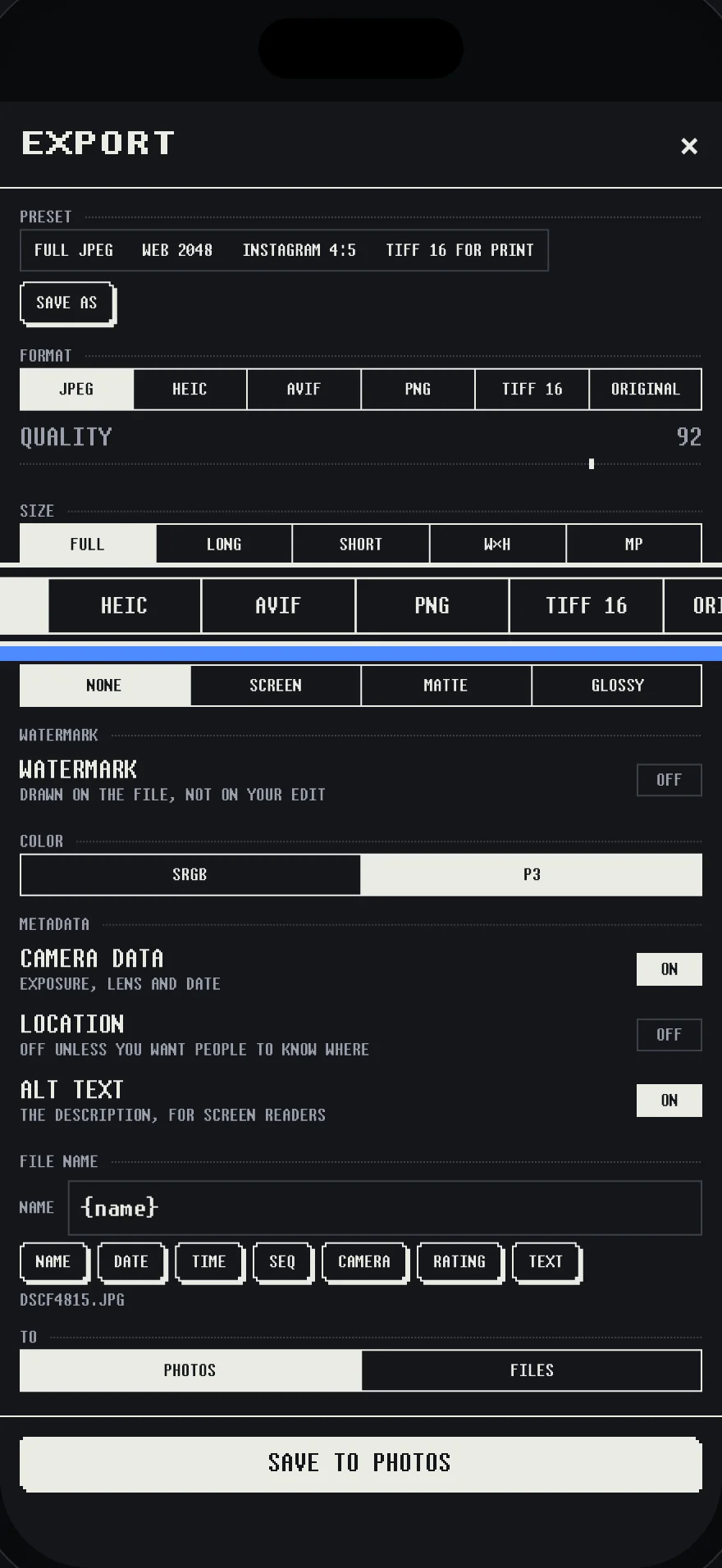
Export presets, watermarks, file name templates and output sharpening. Location, serial numbers and your name are stripped unless you ask.
- No accountOpen it and start. There's nothing to sign in to.
- No cloudEvery AI feature runs on your device. Nothing is uploaded.
- No trackingNo analytics, no ads, nothing that reports back.
- No lost originalsAn edit is a recipe. The file is never touched, and every change is a named step you can go back to.
Nine kinds of darkroom
Press one. This whole page changes the way the app does, and the photographs stay exactly as they are.
1907
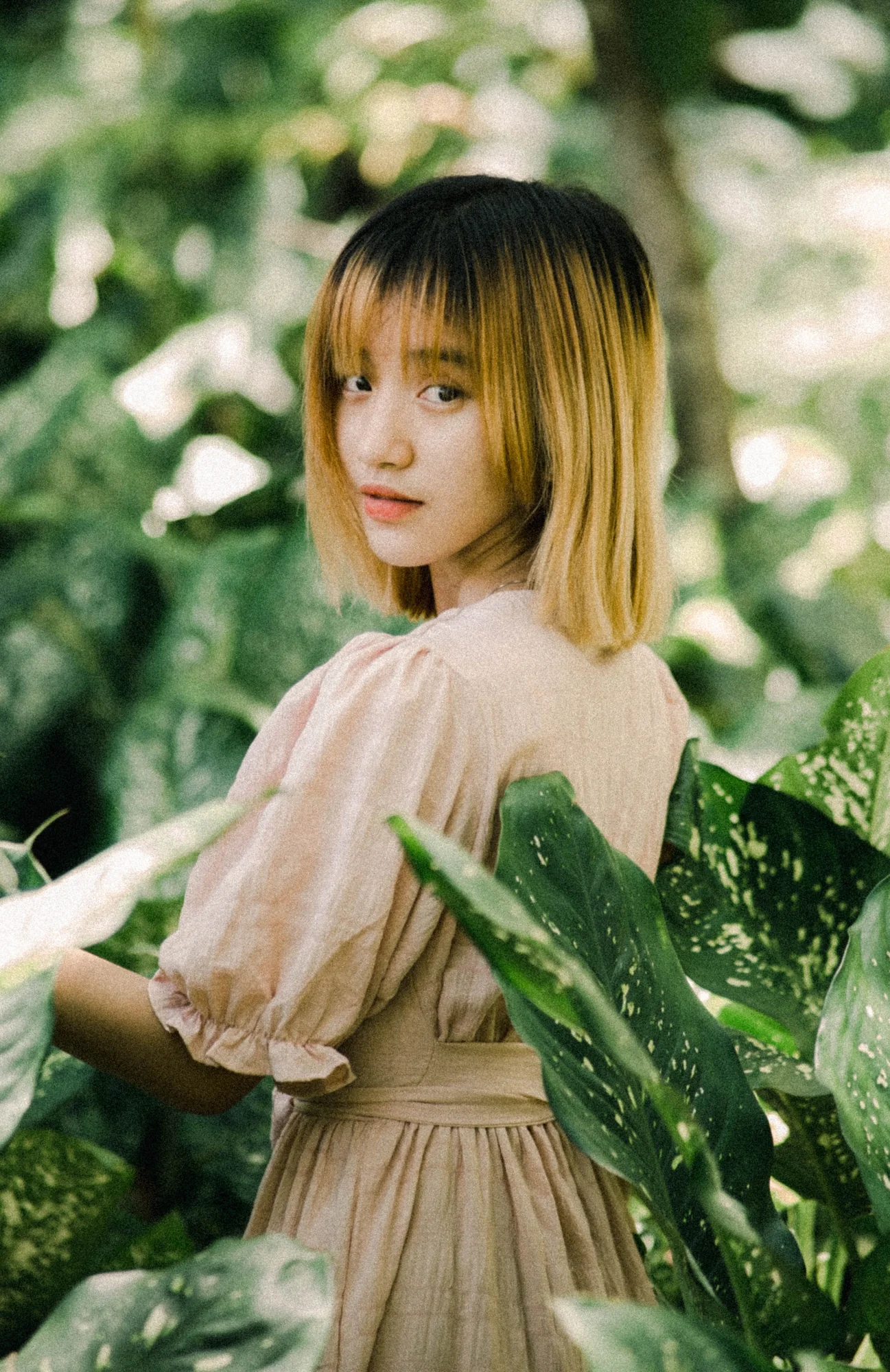
The Lumière brothers dusted a glass plate with potato starch grains dyed red, green and blue. It was the first practical color photography, and it's how a camera's sensor still sees color. Pull the grains down to see them become a photograph.
One app, whole
Every plan is every tool. Nothing is held back for a higher tier.
If a plan ends, your library stays open. Browse, rate, cull and export all of it, any time, originals included. Nobody is locked out of their own photos.
Questions
When can I get it?
Soon, on the App Store and Google Play. The keys on this page will open the listings when they're live.
Do I need an account?
No. Open the app and edit. What you bought is kept by the App Store or Google Play, on your own account with them.
Are my photos uploaded?
No. Masks, culling, denoise and the assistant all run on your device. Autochrome has no server to send anything to.
What can it open?
RAW files from a camera, iPhone ProRAW, HEIC and JPEG. It can also merge HDR brackets and panoramas, and it can pair with a Fujifilm camera over its Wi-Fi and bring in the RAW files.
Do edits change my original?
Never. An edit is a recipe of slider values kept beside the photo. Undo goes back through every named step, and snapshots keep alternatives.
Can I bring my presets?
Yes. Import .xmp presets and .cube LUTs. You can also export the original with an .xmp sidecar, so your edit travels with the RAW.
What happens when the trial ends?
Your library stays open. You can browse, rate, flag, cull, delete and export everything, originals too. Opening the editor, applying looks and importing wait for a plan.
Which phones and tablets?
iPhone and iPad on iOS 18 or later, and Android phones and tablets on Android 10 or later. A few things need a newer system, and the app says so where they'd be.
Is Android the same app?
The same editor, sliders, looks and palettes, and a recipe made on one opens on the other. Two things can't match exactly: a RAW file starts from each platform's own decoder, and masks come from each platform's own models. On Android, an edit saved back to your gallery is a new image.
Does it work inside Photos?
On iPhone and iPad, yes: Edit, then the ••• menu. It also works with Shortcuts.